Scoping Out the Accessibility Features of Sniper Elite 5
With the launch of Sniper Elite 5 fast approaching — available on day one with Xbox Game Pass — we want to showcase the accessibility features you can expect to find in the latest instalment of the award-winning series.
It’s important to us that as many people as possible can play our games and so we’ve worked hard to reduce barriers and make Sniper Elite 5 more approachable. We’re also aware of the importance of publicizing our features so you know if you can play before you buy. Without much further ado here are the upcoming accessibility features in Sniper Elite 5.
Difficulty Customization
Everyone is an Elite as you can customize the difficulty to whatever suits you.
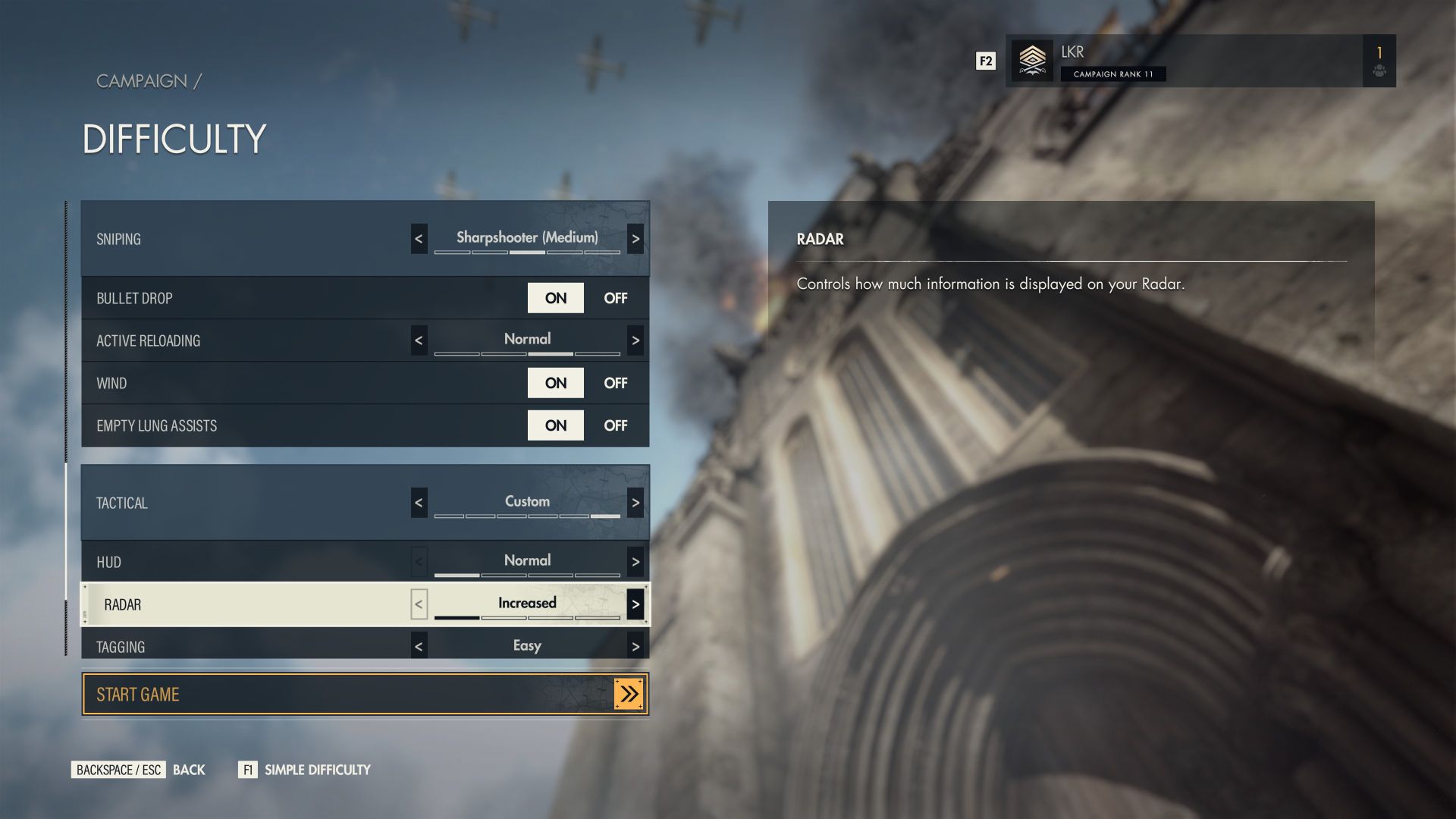
You’ll have five pre-set difficulty levels to choose from ranging from Civilian (Very Easy) to Authentic. Our new Civilian difficulty is our equivalent of a story mode with highly reduced combat, player damage, and enemy awareness, so we hope this will open the game up to players who found Sniper Elite 4 too challenging. In addition, you can customize the combat, sniping, and tactical aspects of the game independently to better suit you.
But difficulty customization doesn’t end there. In our Advanced Difficulty mode you can fine tune a huge range of specific elements to best suit your playstyle. From how much information is displayed on the radar to health regeneration and enemy AI behavior, you’ll be able to tailor the game to your capabilities.
Difficulty can also be changed at any time from the pause menu, so there’s no need to restart a mission if you find the challenge too high or low.
Tutorials
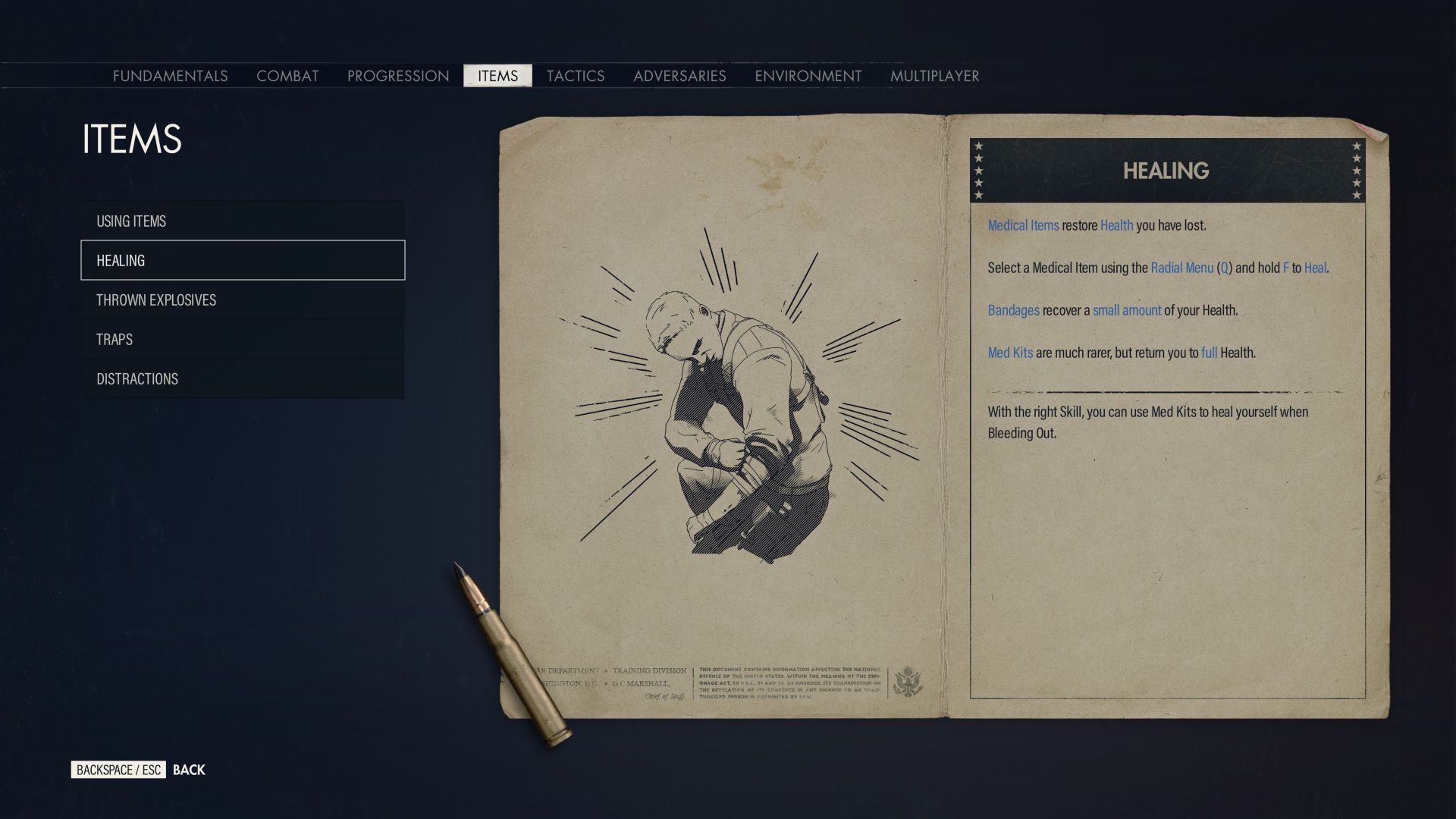
Sniper Elite 5 introduces enhanced tutorial options. Not only do you have constant access to detailed tutorials (accessed from the pause menu) to help guide you through all the mechanics and enemies you may encounter, but we also have options for the frequency of tutorials and even an option to reset them. So, if you have a break and come back to the game or just need extra reminders, you can reset the tutorials and jump straight back in without having to play through an introductory level to get your bearings.
Subtitles and Text
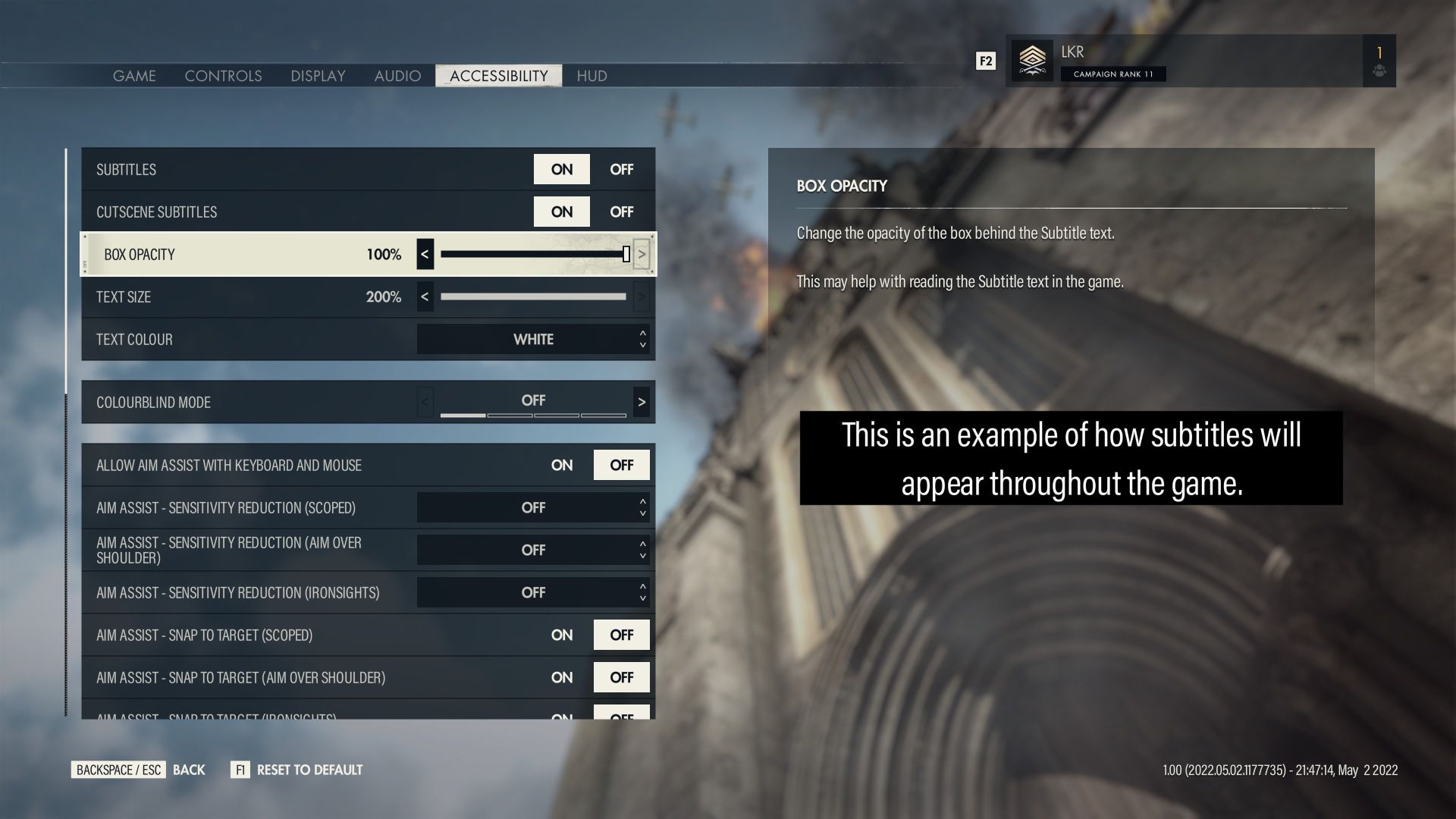
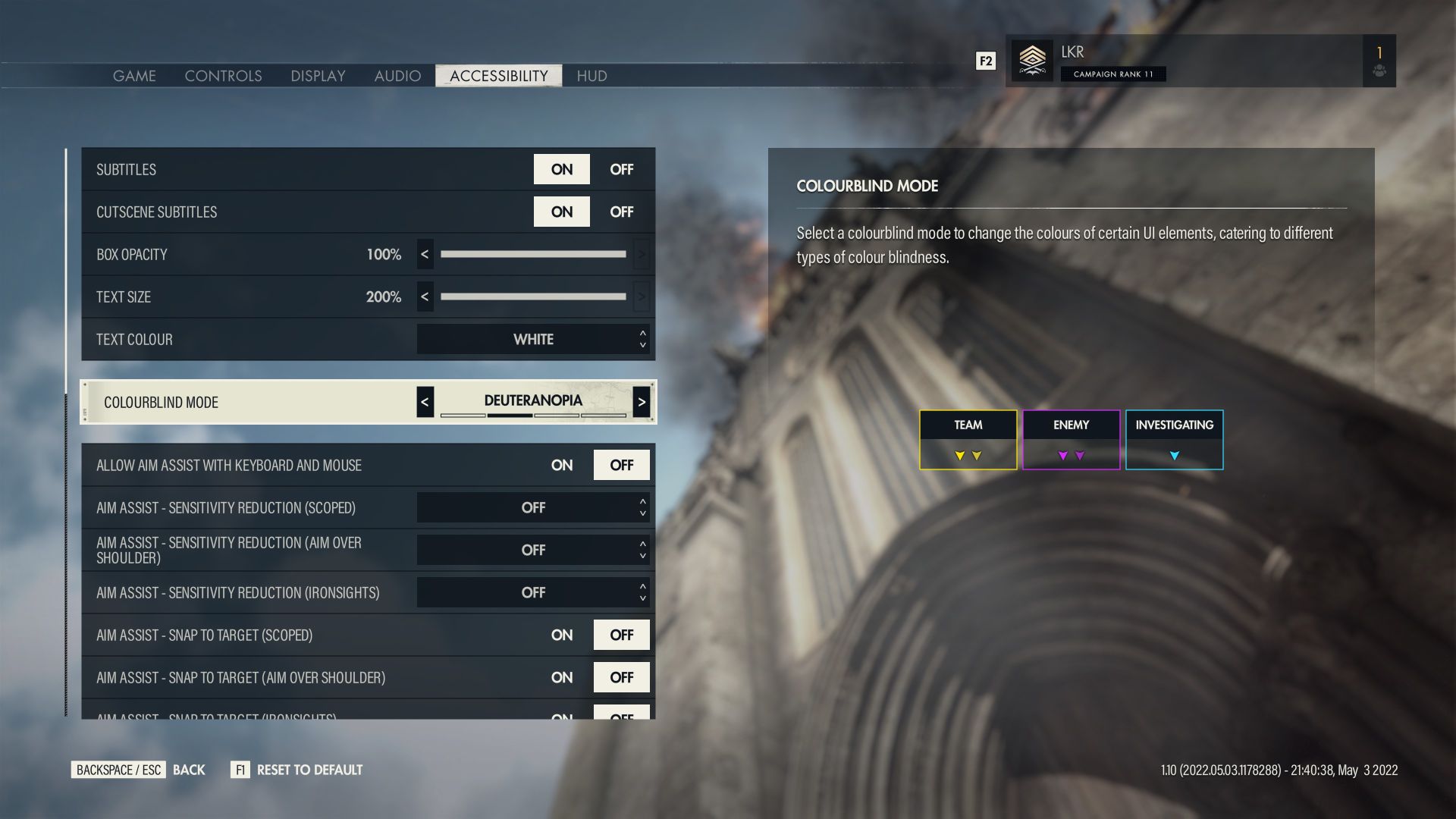
Sniper Elite 5 is fully voice acted and with that come subtitles. Our subtitle customization gives you the ability to change text size, color (from a range of pre-sets) and background opacity. All subtitles include speaker names too, so you’ll always know who’s talking.
In multiplayer we have a quick chat wheel with common shout outs – each of these are also voice acted and have subtitles displayed on screen.
Sniper Elite 5 also has some scaling options for text in menus and some HUD elements. Scaling for UI text is limited to small, medium, large sizes.
Color Blindness Adjustments
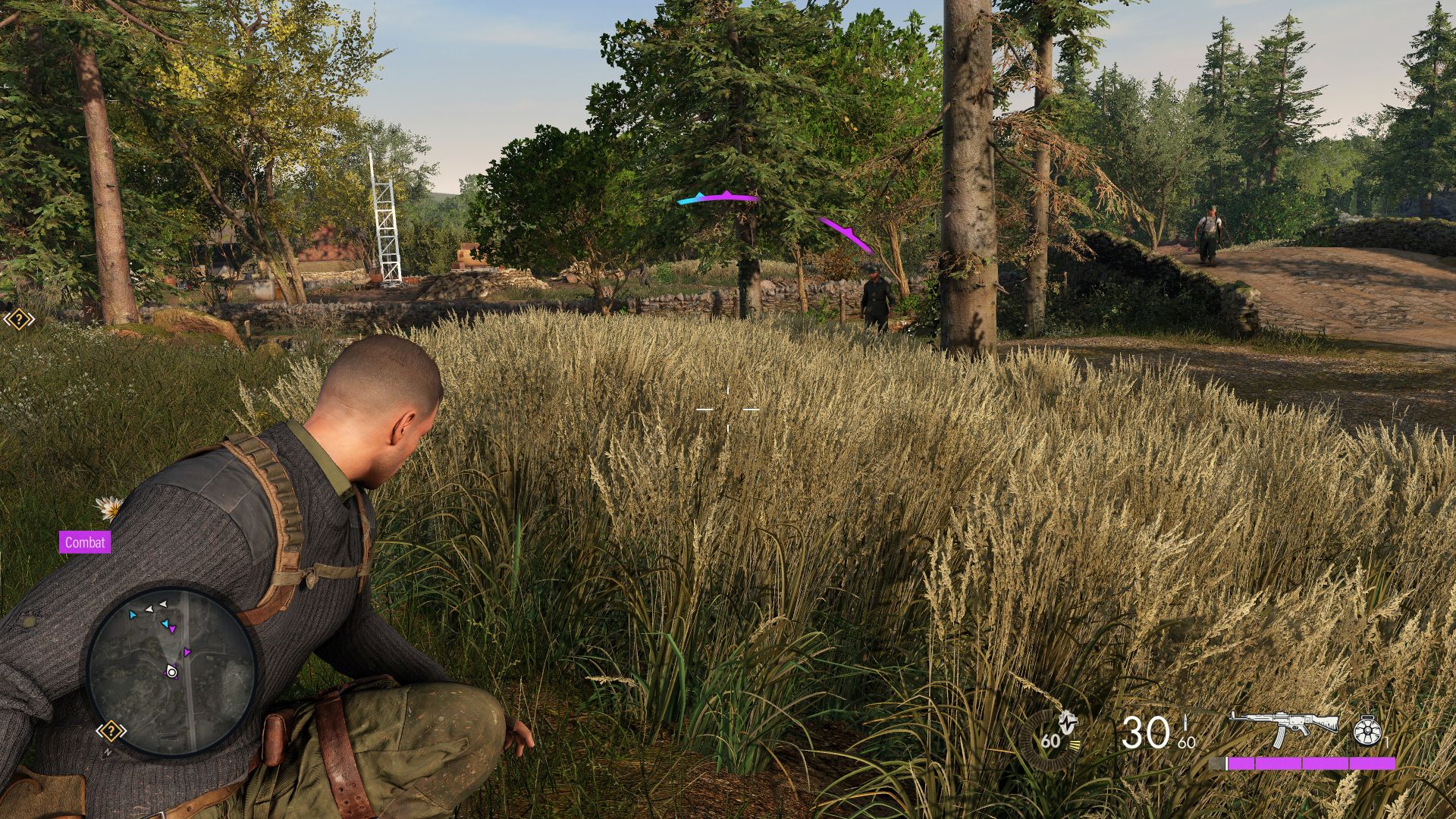
We know our color blind players struggled with the Stealth system in Sniper Elite 4 as it relied heavily on color. So, to help fix that we’ve added color adjustments to SE5 for enemy awareness and location markers. You can now choose from four pre-defined color palettes; original and 3 color blind accessible variants.
Customizable Audio Levels
We’ve separated out some audio channels so you can set them to whatever works best for you. Including individual sliders for hit feedback, dialogue and enemy awareness cues, you’ll be able to balance the sounds most important to you as you play. For multiplayer you can enable or disable voice chat and adjust the chat volume independently.
We also have a setting to adjust the Dynamic Audio Range, so that you can reduce the severity of loud noises like explosions. Finally, SE5 uses Spatial Audio to help you locate enemies around you and immerse you in the fight.
Controls and Input
Anyone can be a Sniper, and with the huge range of Aim Assist options available you won’t have to worry about pinpoint accuracy if that’s not your thing. Aim Assist is also customizable by state, so you can have different aim assistance settings for firing from the hip, scoped and iron sights.
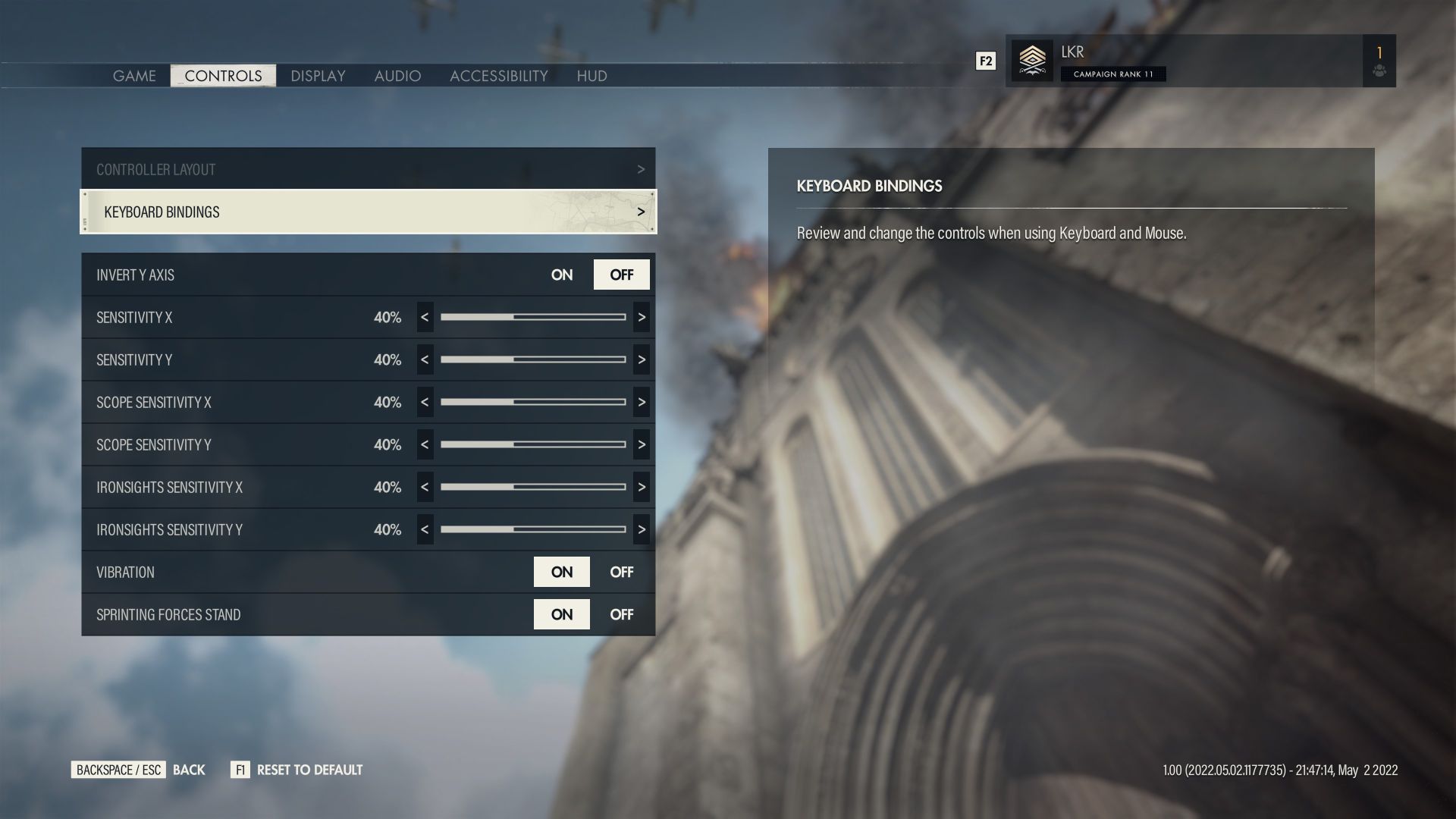
Sniper Elite 5 will also launch with full control remapping on mouse and keyboard. For gamepad users we have 6 pre-sets to choose from – three layouts each with left and right-handed variants. These left and right variants swap the stick functionality.
SE5 will also offer the standard sensitivity and axis inversion options.
Accessibility First
The first time you launch the game you’ll be asked to do the usual set up, but you’ll also get a chance to change the accessibility settings and subtitle display right away before any cut scenes. This ensures that you can experience the game in a way that suits you from the get go.
A few visual settings we offer include support for reducing motion sickness, where you can disable Motion Blur and Binocular Distortion. And finally, everyone loves a kill cam, right? Well, not always. You’re free to turn off Kill Cameras or X-Rays whenever you like. So if gore isn’t something you’re keen on, you can play without fear of those incredibly graphic testicle shots!
Although we’re really proud of what we’ve achieved for Sniper Elite 5, we’re still at the start of our accessibility journey. We hope to release more accessibility features in updates and we want to hear from you – our players – about what barriers you face and what features would help you. Or is there something we have that doesn’t quite meet your needs? Get in touch with us on Twitter @Rebellion, join the conversation on our Discord, or through our Help Centre.
Continue the fight with thrilling extras when you pre-order Sniper Elite 5!
Pre-order the Sniper Elite 5 Standard Edition to receive:
• Target Führer: Wolf Mountain Campaign Mission
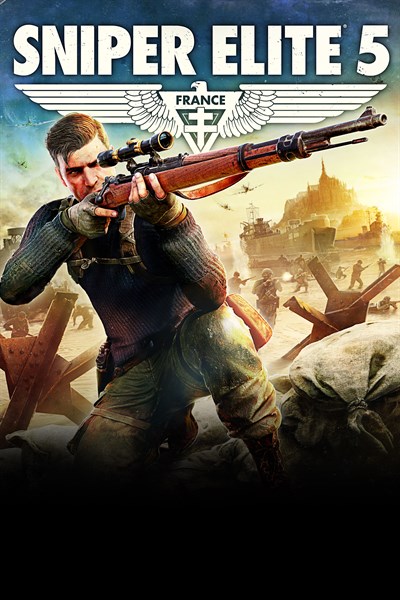
The latest instalment in the award-winning series, Sniper Elite 5 offers unparalleled sniping, tactical third-person combat and an enhanced kill cam. Fight your way across the most immersive maps yet, with many real-world locations captured in stunning detail, and an improved traversal system that lets you explore more of them than ever before.
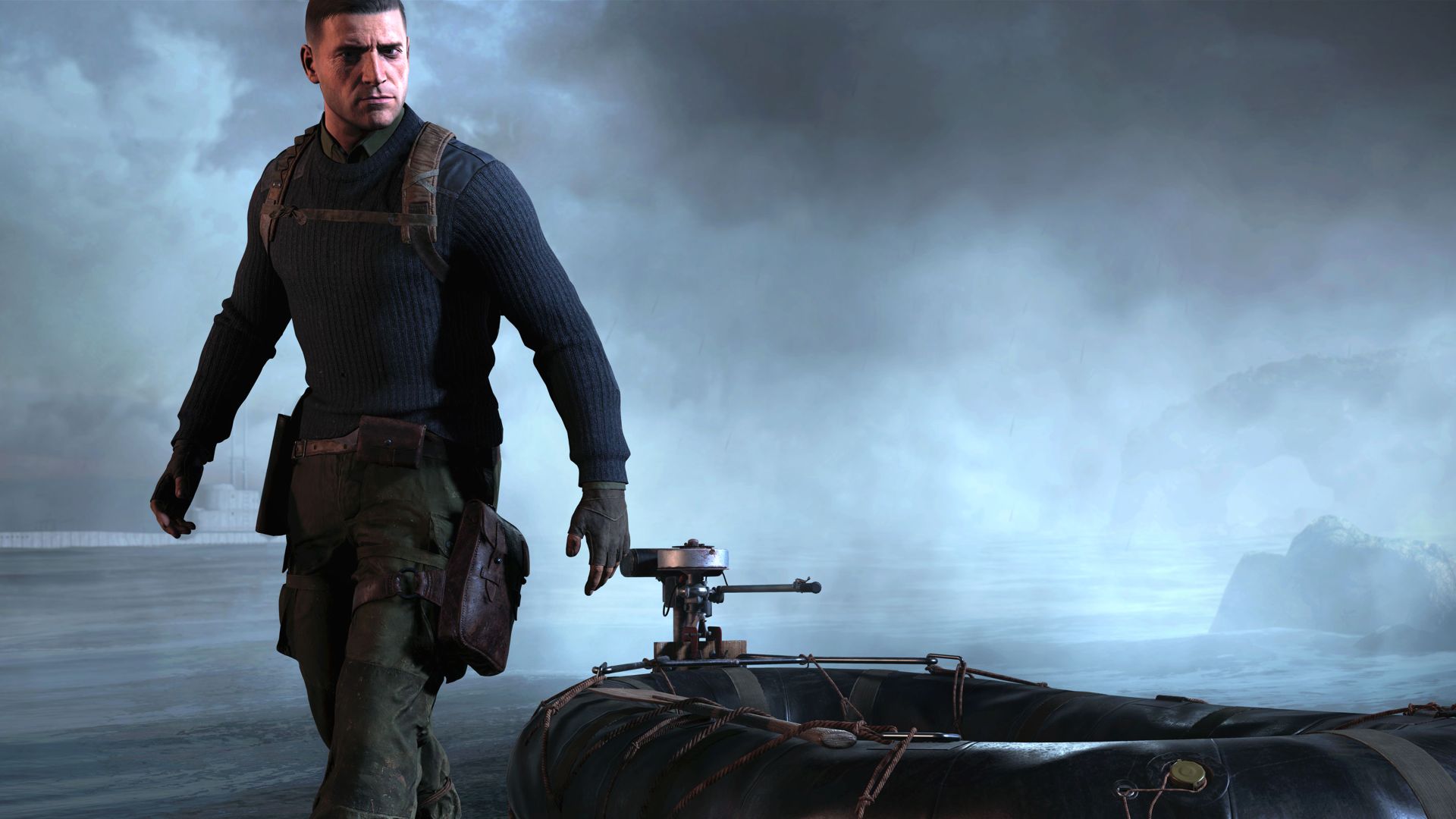
France, 1944 – As part of a covert US Rangers operation to weaken the Atlantikwall fortifications along the coast of Brittany, elite marksman Karl Fairburne makes contact with the French Resistance. Soon they uncover a secret Nazi project that threatens to end the war before the Allies can even invade Europe: Operation Kraken.
EXPANSIVE CAMPAIGN
Many real-world locations have been captured using photogrammetry to recreate a living, immersive environment, and multiple infiltration and extraction points and kill list targets provide a whole new perspective on each mission. Take on the Nazi plot solo or work with a partner, with improved co-op mechanics allowing you to share ammo and items, give orders and heal each other.
ADVANCED GUNPLAY PHYSICS AND TRAVERSAL
Use ziplines, slide down slopes and shimmy along ledges to reach the perfect vantage point, or to sneak past a sharp-eyed lookout. Factor in rifle stock and barrel options along with gravity, wind and heart rate while you line up your sights on the target.
HIGH CALIBRE CUSTOMISATION
Use workbenches to customise and upgrade virtually every aspect of your weapon – change scopes, stocks, barrels, magazines and more. Rifles, secondaries and pistols all have a huge variety of options. On top of that you can select the ammo to suit your target, from armour-piercing right down to non-lethal.
INVASION MODE – CAMPAIGN DROP IN PvP AND CO-OP
Invade another player’s Campaign as an Axis sniper and engage in a deadly game of cat and mouse, providing a new dimension to the challenge as you stalk your prey. Alternatively, as Karl you can call for assistance and have a second sniper drop in to help you out of a tricky situation.
TENSE ADVERSIAL MULTIPLAYER
Customise your character and loadout and earn XP, medals and ribbons as you take on intensely competitive 16 player battles that will really test your sharpshooting skills. If co-op’s more your style, you can team up with up to 3 other players against waves of enemies in Survival mode.
ENHANCED KILL CAM
More realistic and grisly than ever, the trademark X-ray kill cam returns, showing you the true destructive power of each shot. Bones deflect bullets unpredictably, ripping a new path through enemy bodies. SMGs and pistols can also trigger kill cams, including multiple shots in dramatic slow motion.
Pre-order the Sniper Elite 5 Deluxe Edition to receive:
• P.1938 Suppressed Pistol
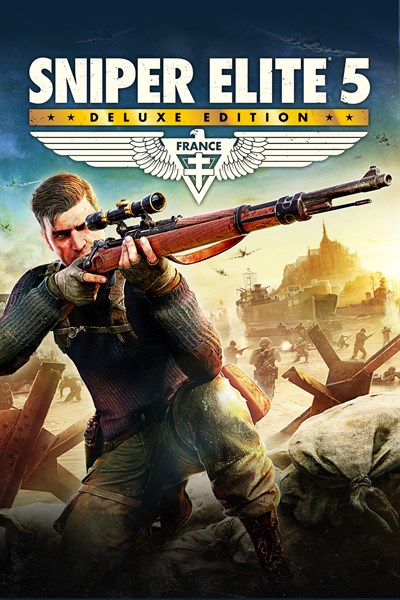
The Sniper Elite 5 Deluxe Edition includes:
• Base Game
• Season Pass One
Season Pass One comes fully loaded with:
• 2 Campaign Missions
• 6 Weapon Packs
• 2 Weapon Skin Packs
• 2 Character Skin Packs
• Target Führer – Wolf Mountain
The latest instalment in the award-winning series, Sniper Elite 5 offers unparalleled sniping, tactical third-person combat and an enhanced kill cam. Fight your way across the most immersive maps yet, with many real-world locations captured in stunning detail, and an improved traversal system that lets you explore more of them than ever before.
France, 1944 – As part of a covert US Rangers operation to weaken the Atlantikwall fortifications along the coast of Brittany, elite marksman Karl Fairburne makes contact with the French Resistance. Soon they uncover a secret Nazi project that threatens to end the war before the Allies can even invade Europe: Operation Kraken.
EXPANSIVE CAMPAIGN
Many real-world locations have been captured using photogrammetry to recreate a living, immersive environment, and multiple infiltration and extraction points and kill list targets provide a whole new perspective on each mission. Take on the Nazi plot solo or work with a partner, with improved co-op mechanics allowing you to share ammo and items, give orders and heal each other.
ADVANCED GUNPLAY PHYSICS AND TRAVERSAL
Use ziplines, slide down slopes and shimmy along ledges to reach the perfect vantage point, or to sneak past a sharp-eyed lookout. Factor in rifle stock and barrel options along with gravity, wind and heart rate while you line up your sights on the target.
HIGH CALIBRE CUSTOMISATION
Use workbenches to customise and upgrade virtually every aspect of your weapon – change scopes, stocks, barrels, magazines and more. Rifles, secondaries and pistols all have a huge variety of options. On top of that you can select the ammo to suit your target, from armour-piercing right down to non-lethal.
INVASION MODE – CAMPAIGN DROP IN PvP AND CO-OP
Invade another player’s Campaign as an Axis sniper and engage in a deadly game of cat and mouse, providing a new dimension to the challenge as you stalk your prey. Alternatively, as Karl you can call for assistance and have a second sniper drop in to help you out of a tricky situation.
TENSE ADVERSIAL MULTIPLAYER
Customise your character and loadout and earn XP, medals and ribbons as you take on intensely competitive 16 player battles that will really test your sharpshooting skills. If co-op’s more your style, you can team up with up to 3 other players against waves of enemies in Survival mode.
ENHANCED KILL CAM
More realistic and grisly than ever, the trademark X-ray kill cam returns, showing you the true destructive power of each shot. Bones deflect bullets unpredictably, ripping a new path through enemy bodies. SMGs and pistols can also trigger kill cams, including multiple shots in dramatic slow motion.