0:00/4:12
Get the Most Out of Your Kinect
About this video
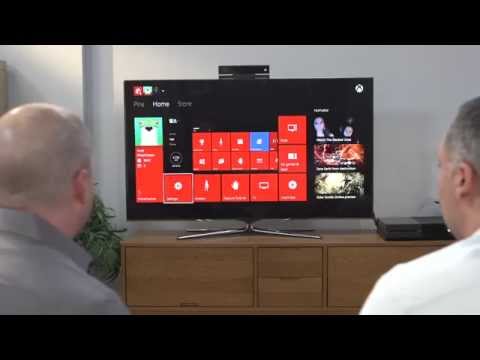
Albert Penello from the Xbox product planning team and Scott Evans from the Xbox engineering team walked through some of their favorite tips and tricks to optimize your Kinect experience. Follow their suggestions shared in these videos to calibrate Kinect for the best and most accurate experience.
A few key tips for when you are setting up your Kinect include:
- Don’t put Kinect on top of a speaker. Putting it too close to one will make it hard for it to hear your voice.
- Place it as high as possible to give it the best view of the living room so it will see you well.
- Go through the audio calibration process and when you do, turn the volume on your TV up really high and keep the room as silent as possible.
- Set up the IR blaster so you can use Kinect to control your speakers and TV with the sound of your voice. Watch the video above for step-by-step instructions.
They also shared specific tips for using speech and gesture commands with Kinect in the following videos.