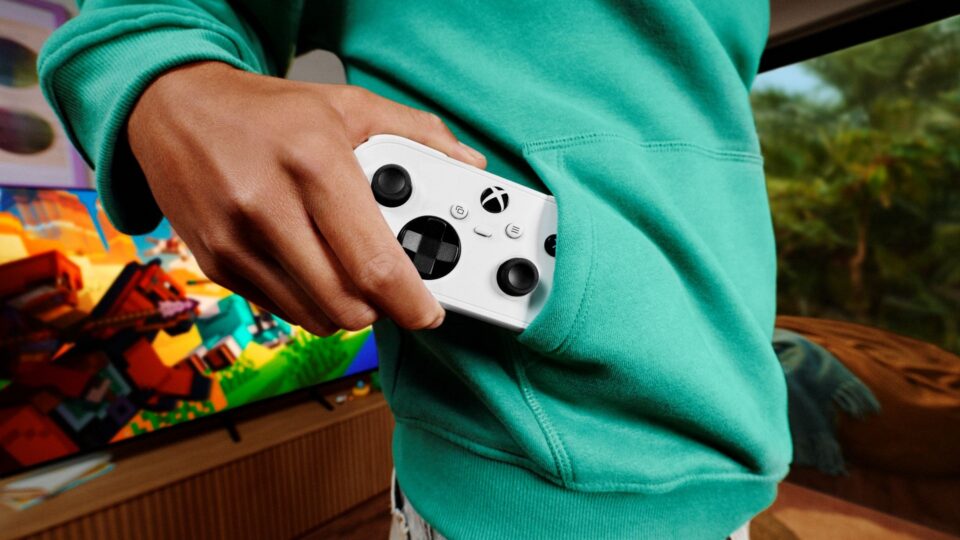
Starting today, we’re rolling out two previews for XBOX Cloud Gaming. On supported Smart TVs, you can use your phone as a controller when you don’t have one nearby. In the US, you can also preview cloud connect with the new XBOX Nano Controller. It uses Wi-Fi to connect directly to your cloud gaming session, which can help make gameplay feel more responsive.
Both experiences are still being tested. Availability and supported games or devices may be limited while we learn from your feedback.
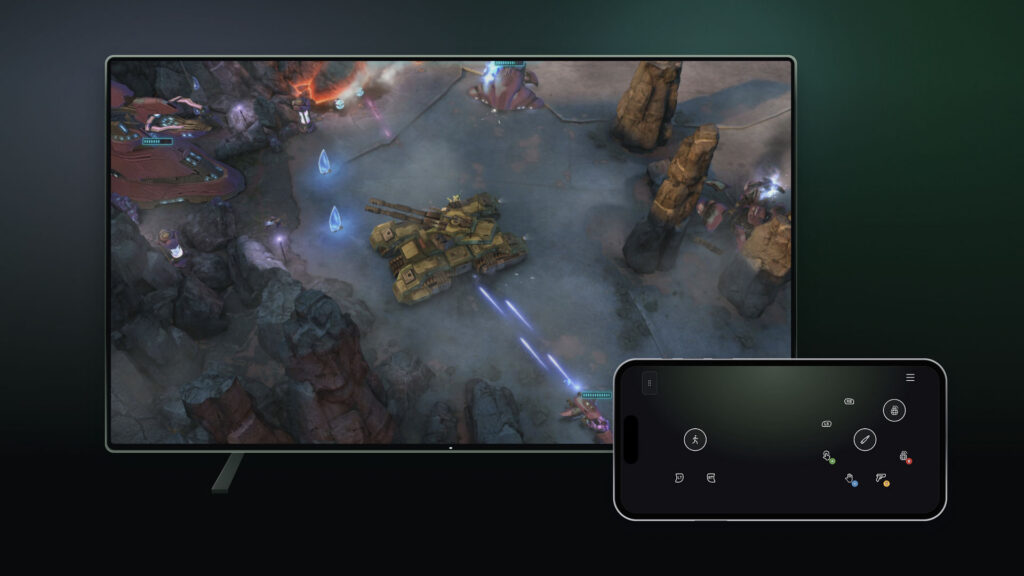
Use your phone as a controller on a Smart TV
Want to play a cloud game on your TV but don’t have a controller handy? In this preview, you can use a supported Android or iOS phone as your controller on a supported Smart TV. The controls open in your phone’s browser, so you don’t need a separate controller. Some games will also have controls tailored to how they play.
To try it, turn on Preview Features under Settings > Account in the latest supported Smart TV experience. When you launch a game without a physical controller connected, you’ll see an option to use your phone for that session.
The preview is rolling out today on supported TVs, in countries where XBOX Cloud Gaming is supported.
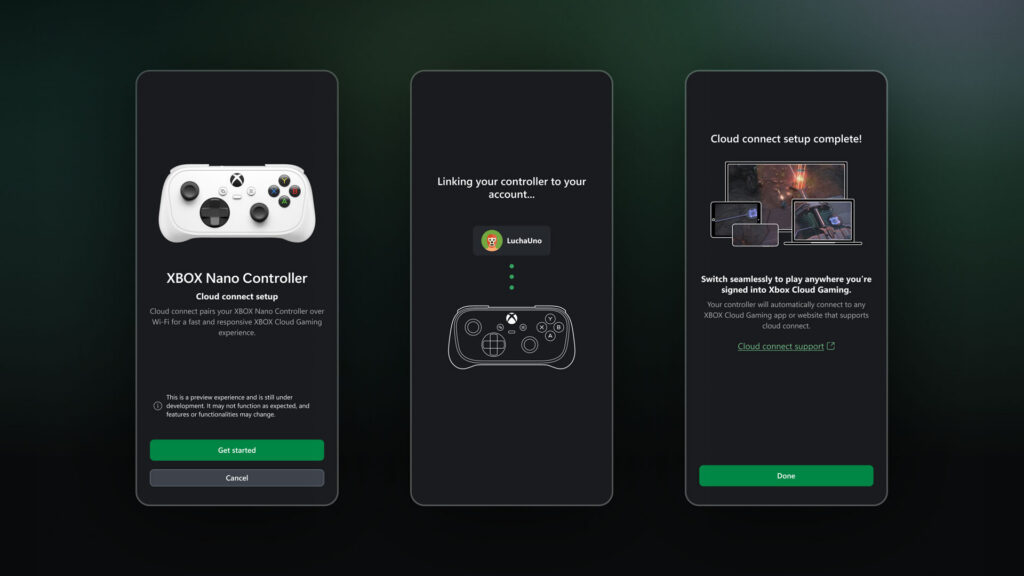
Try cloud connect with the XBOX Nano Controller
Players in the U.S. can preview cloud connect with the XBOX Nano Controller starting today. Instead of a Bluetooth connection to your TV, cloud connect uses your Wi-Fi to connect directly to the cloud server running your game. That can help reduce input latency, so gameplay may feel more responsive.
Cloud connect is still an early test, so it won’t work with every cloud gaming experience yet. For now, you can try it on supported Smart TVs and the web.
Ready to try it?
- Set up your controller: Use the XBOX beta app on Android, or the Xbox Accessories app on PC, to set up cloud connect on your XBOX Nano Controller. XBOX Insider enrollment is required for setup through the PC app.
- Connect to Wi-Fi: Follow the steps in the app to connect your controller to your Wi-Fi network.
- Start playing: Open a supported XBOX Cloud Gaming experience and sign in with the same XBOX account used during setup. Your controller will connect through cloud connect.
Check out the cloud connect setup guide for detailed instructions: https://support.xbox.com/en-US/help/hardware-network/controller/cloud-connect.
Help shape what comes next
We’re testing both experiences to learn what works well and what needs improvement. If you have a suggestion or run into an issue, please share your feedback through the preview experience. We’ll use what we learn to help shape future updates.
How to provide feedback
- For phone controller, you can share feedback right from your phone or through a supported Smart TV app:
- On Your Phone: After scanning the QR code displayed on your TV to connect your phone as a controller, tap the Xbox icon in the top-left corner and select “Give Feedback.”
- On Your TV:
- Open the Guide by pressing the XBOX button on your controller or pressing the XBOX icon in the top left corner and selecting Give Feedback.
- In the XBOX app’s main menu, click on the profile icon in the top right corner and select “Give Feedback”.
- For cloud connect, you can submit feedback through the XBOX Accessories app on PC or the XBOX mobile app by selecting the “Feedback” icon.