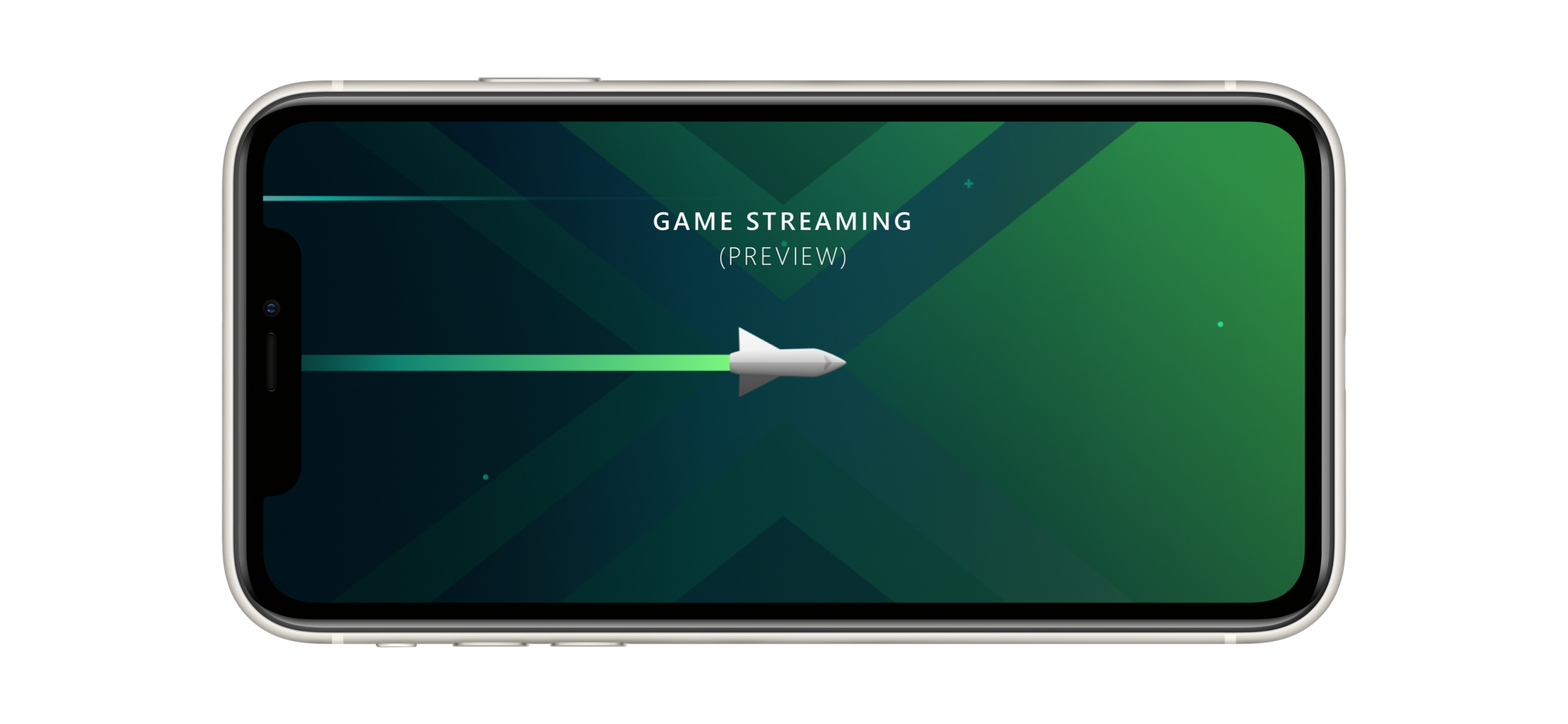
Ever since we launched the Project xCloud preview last year, we’ve continued to field requests for iOS support (I’ve seen your tweets). We’ve been testing an iOS client internally, and today, we’re taking the next step by making the Project xCloud preview available for iOS users through the TestFlight program.
UPDATE: As anticipated, we saw a LOT of interest in the Project xCloud Limited iOS TestFlight Preview today and we’ve already hit the initial capacity. Thanks for your interest in Project xCloud!
To comply with App Store policies, the preview experience on iOS may look and feel different for those who have been testing on Android. Key differences and things to know:
- The iOS TestFlight preview is only available in the US, UK, and Canada at this time.
- Unlike the Xbox Game Streaming (Preview) app on Android, this iOS TestFlight preview is for Project xCloud only and does not include Xbox Console Streaming (Preview) at this time.
- Due to App Store policy, the iOS TestFlight preview will begin with one game, “Halo: The Master Chief Collection.”
- As is standard with iOS TestFlight builds, we’re starting with a very limited preview audience. Up to 10,000 testers will be invited into the preview, but we anticipate that demand will exceed our capacity and we will be unable to accommodate all applicants. We’ll distribute invitations to participate on a first-come, first-served basis.
- Because of how iOS TestFlight works, those who are accepted into the iOS TestFlight preview may not necessarily participate for the full duration of the preview. As noted earlier, there are limited spaces available, so for testing purposes we may need to cycle through registrants in order to best utilize the available testing audience. This also means that even if you miss out on the initial allocation, you might receive an invitation to participate later in the preview!
In order to participate in the Project xCloud limited iOS TestFlight preview, here are the technical requirements:
- A Microsoft account (MSA) associated with your Xbox gamertag.
- An iPhone or iPad running iOS 13.0 or greater and also Bluetooth version 4.0.
- A Bluetooth-enabled Xbox One Wireless Controller. Please refer to this support article if you are unsure if your Xbox One controller supports Bluetooth.
- Access to a Wi-Fi or mobile data connection that supports 10Mbps-down bandwidth, similar to streaming video. If you are using Wi-Fi, we recommend using a 5Ghz connection.
- Optional but recommended: a third-party controller mount for phone-based gamers. We have partnered with PowerA to co-design a new clip that works great with the Xbox One Wireless Controller, available at the Microsoft Store for $14.99 USD.
Here’s how you can register to participate in the Project xCloud limited iOS TestFlight preview:
For those iOS users already registered in the Android preview.
- Open the Project xCloud registration link
- Update your registration for the Project xCloud (Preview) and indicate you are an iOS user through the “Mobile Device Make” dropdown menu
- By updating your registration to iOS you are requesting access to Project xCloud TestFlight preview. This does not impact your Android registration. You can still play on your Android devices
- If there are still available spots for testers, you will receive an email from TestFlight for Xbox Game Streaming (Preview)
- Open this mail from your iOS device, it contains a link to download TestFlight to your iOS device
- Follow the TestFlight installation steps
- From the TestFlight app, install the Xbox Game Streaming (Preview) app
- Sign-in to the Xbox Game Streaming (Preview) app with your MSA
- Have fun and give feedback!
For those iOS users not already registered in the Android preview.
- Open the Project xCloud registration link
- Register for the Project xCloud (Preview) and indicate you are an iOS user through the “Mobile Device Make” dropdown menu
- By selecting iOS you are requesting access to Project xCloud TestFlight preview.
- If there are still available spots for testers, you will receive an email from TestFlight for Xbox Game Streaming (Preview)
- Open this mail from your iOS device, it contains a link to download TestFlight to your iOS device
- Follow the TestFlight installation steps
- From the TestFlight app, install the Xbox Game Streaming (Preview) app
- Sign-in to the Xbox Game Streaming (Preview) app with your MSA
- Have fun and give feedback!
Our goal is to provide an opportunity to test the Project xCloud preview through TestFlight, use your feedback to improve the technology, and work with Apple to bring the full preview to more iOS customers. Jump in, play and tell us about your experience!