In the past, if customers wanted to send a game to friends or family as gifts, they relied on physical discs or gift cards. Starting today, gamers on Xbox One can now give gifts right in Microsoft Store – just in time for the holidays.
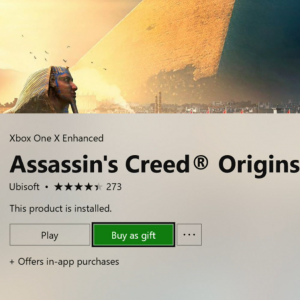
Now you can gift select Xbox One digital games and downloadable game content (durables only) as well as Xbox Live Gold and Xbox Game Pass subscriptions, right from Microsoft Store on the Xbox One family of devices, Windows 10, or online.
Purchasing digital games comes with its own benefits, including features like cloud save and resume, or accessing an entire games library at a friend’s house. With immediate digital delivery and one click-redemption for your recipient, it’s the easiest way to give and receive the best of Xbox, and skip the holiday traffic and long lines.
Here’s what you need to know about giving or receiving a game gift:
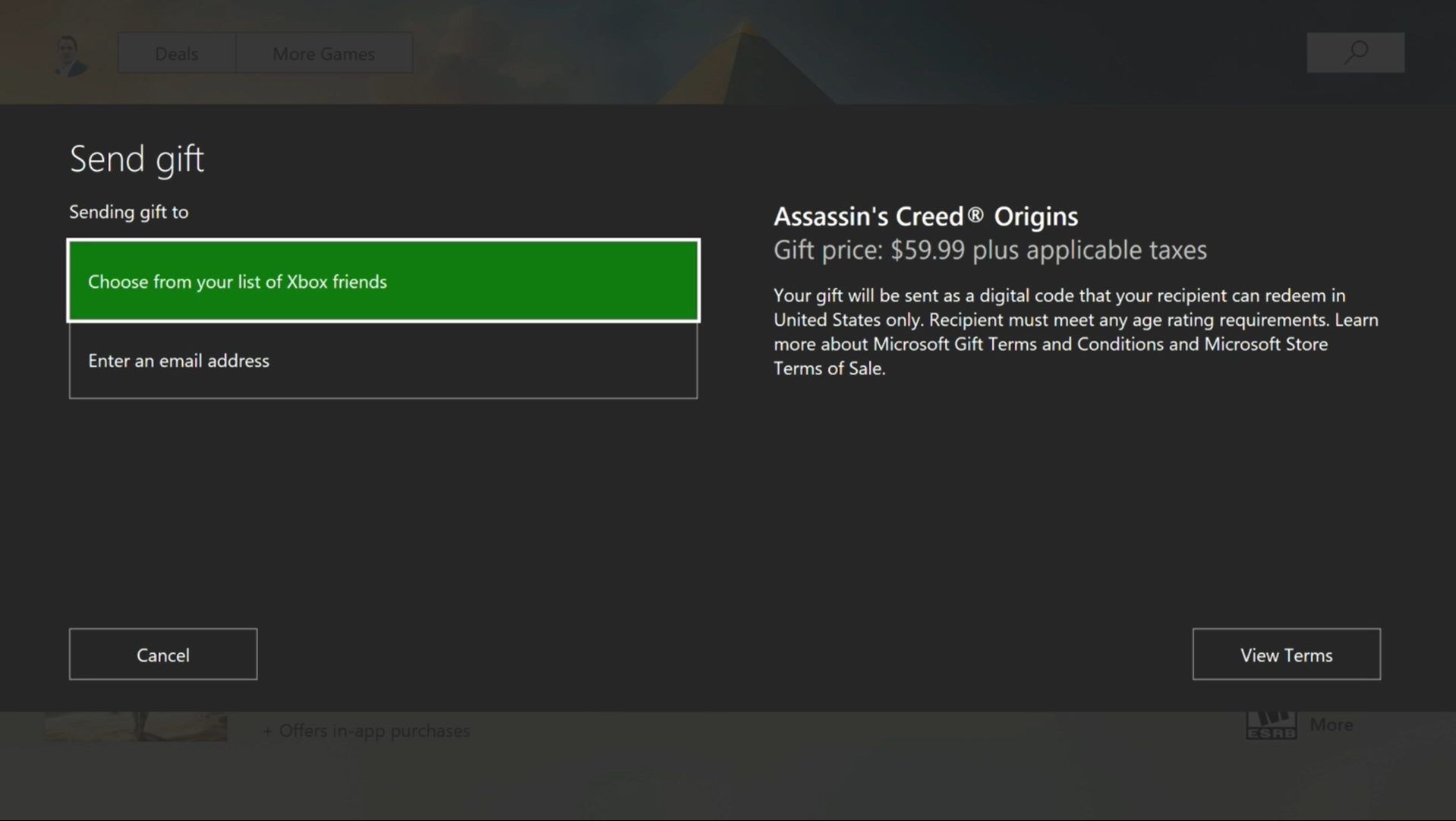
- In Microsoft Store on Xbox One, those giving gifts can enter the email address of the gift recipient, or choose a Gamertag from their Xbox Live friends. In Microsoft Store on Windows 10 and online, customers will need to know the email of the recipient in order to send a gift.
- Gift recipients will receive a code for their digital gift via an email message that contains instructions on how to redeem the code. The email is sent immediately upon gift purchase. In addition to receiving a gift message via email, on Xbox, gift recipients will receive a system message from Xbox Live containing the code for the digital item along with a “one-click” redemption button to streamline code redemption.
Microsoft Store gift giving comes with some policies: first, gift recipients can only redeem gifts in the country or region where they were purchased. Furthermore, customers can purchase two gifts of a particular product at discount, and a total of 10 gifts at discount every 14 days. Once the discount limit is hit for a product, customers need to wait 14 days to purchase that product again as a gift, even if the item is no longer at discount. Note: there are no limits on gift purchases when a product is at full price.
Today’s version of gifting does not include Xbox 360 backward compatible and Xbox original games, pre-orders, “free” products, consumable DLC (e.g. virtual currency), or PC games (other than a few, select XPA titles). Gifting is not currently enabled for other categories such as PC apps, movies & TV or eBooks, but we hope to have more to share on expanding supported types of ‘giftable’ Microsoft Store content, soon.
There are thousands of items currently eligible for gifting this holiday season, and we’re confident you’ll find the right gift for that special friend or loved one.
Gifting is just one of many new features that we’ve been working on. For more details on the new features launching on Xbox One today, check out this Xbox Insider announcement. Gifting was pioneered directly from fan feedback – and we’re listening – so keep the suggestions coming!